Hauppauge Device Central
Hauppauge Device Central is a tool installed with Hauppauge Capture. It allows you to modify what the button on top of the HD PVR 2, HD PVR Rocket, HD PVR Pro 60 will do.
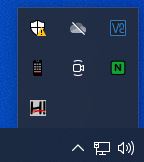
You can open Hauppauge Device Central by clicking on the icon in the taskbar.
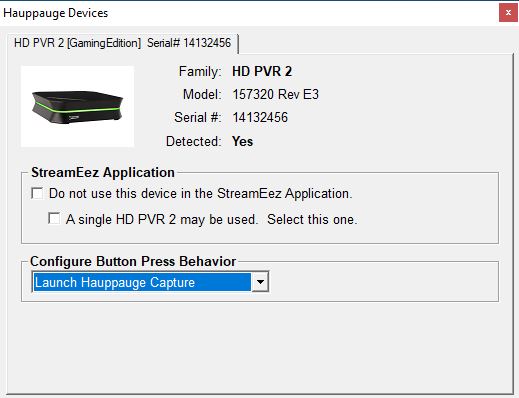
You can select in the Hauppauge Devices application that opens the behavior of the button on the device. By default, it should open Hauppauge Capture and start recording.
If the Hauppauge Device Central icon is not on your taskbar, you can manually reopen it by navigating to the following shortcut.
C:\Program Files (x86)\Hauppauge\DeviceCentral\HcwDCTrayTool.exe