YouTube Tab
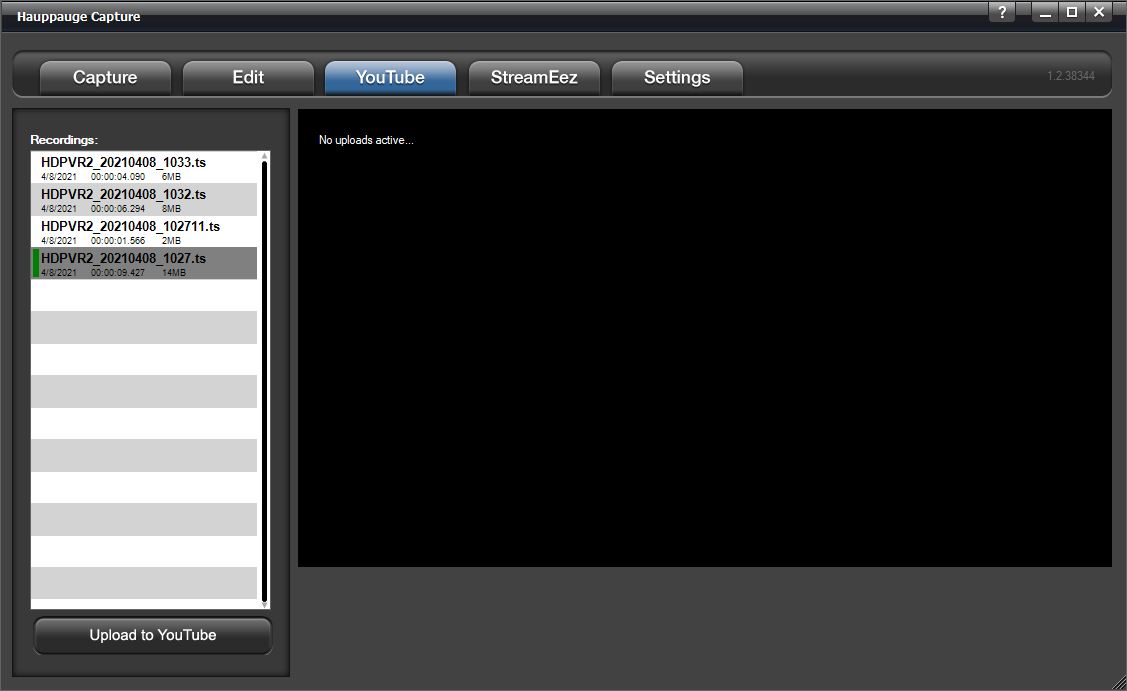
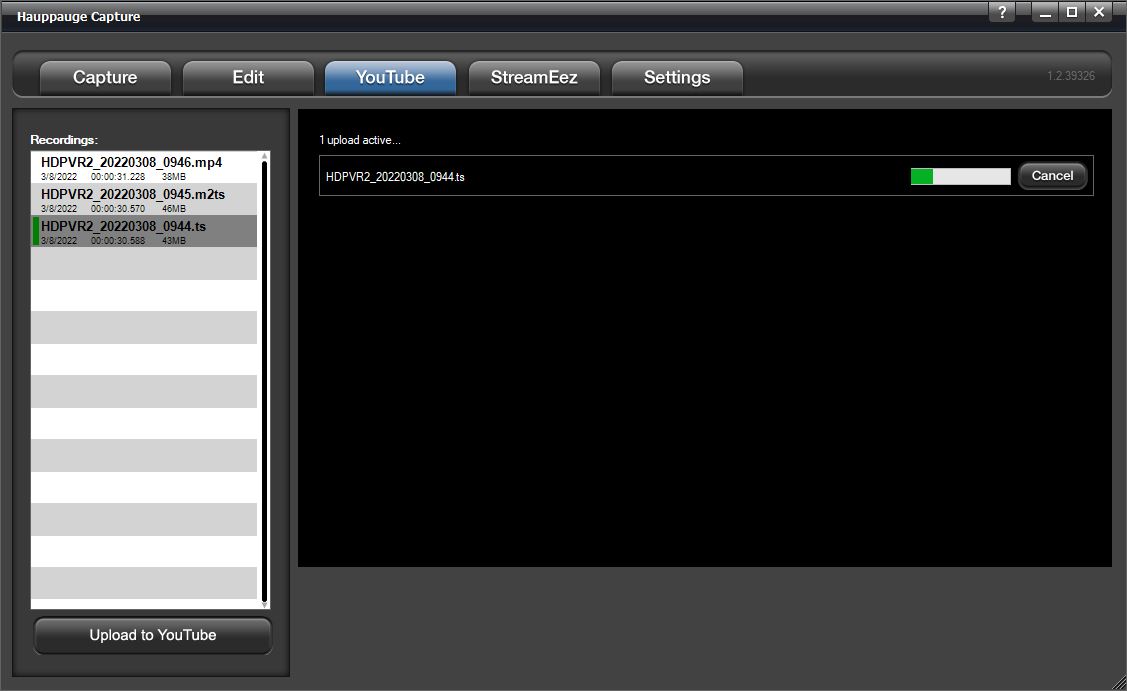
Hauppauge Capture can upload your recorded videos directly to YouTube within the application. All video files are uploaded in the resolution that they were captured in.
Recordings: Any recordings available for uploading will be listed here. Highlight the recording you want to upload.
Upload to YouTube
Press the Upload to YouTube button and you will need to login to your Youtube account to authorize Hauppauge Capture to upload files for you.
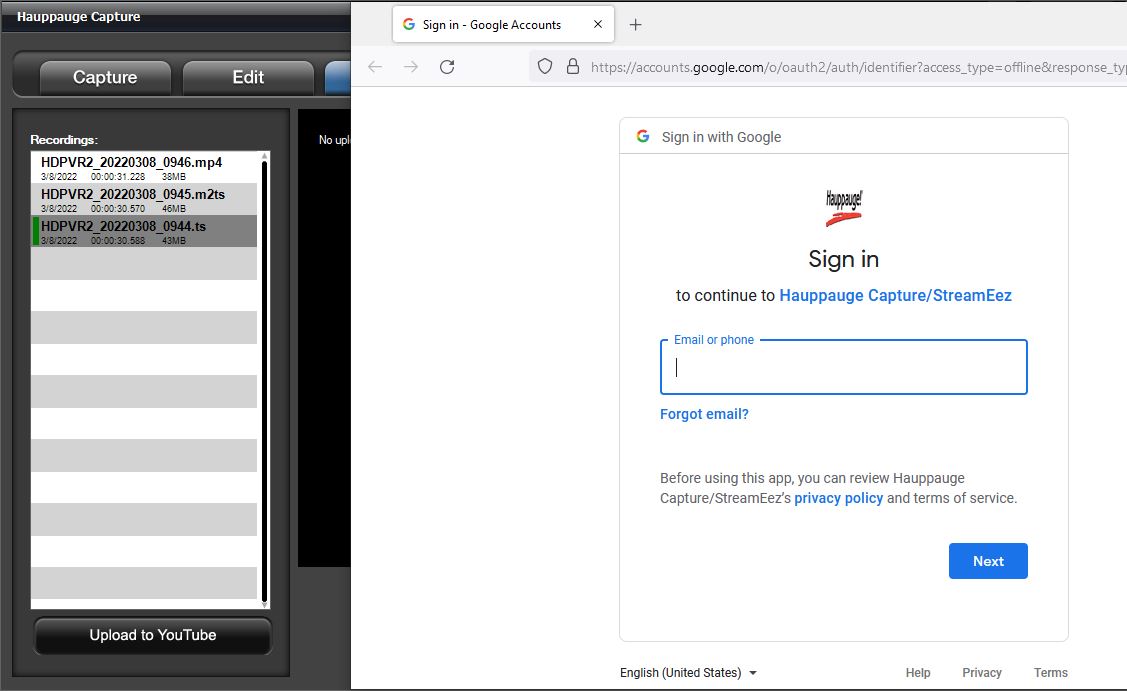
Once authorized you will see the Share Recording dialog box.
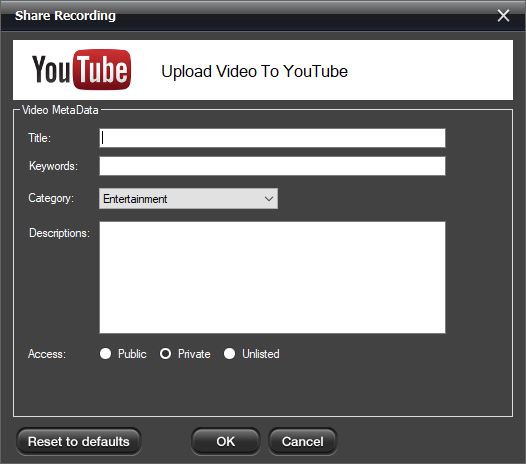
Note: All fields are required for uploading.
Video Metadata
YouTube is the world's second-largest search engine, and it uses metadata - your video's title, tags, and description - to index your video correctly. To maximize your presence in search, promotion, suggested videos, and ad-serving, make sure your metadata is well optimized.
Title: type in a title for your video.
Keywords: type in at least one keyword. This is essentially tags.
Category: Select a category for your video.
Descriptions: type a description for your video.
Access: select public and everyone can see it or private and only you can see it while logged into your YouTube account. Unlisted and only can be viewed with direct access to the link.
Click OK to upload the video. If the connection is successful you will see the upload progress bar.